We all use AI in our day to day life( or should be at least). Even though AI can save a lot of time and effort and do task in seconds that would otherwise take a human days to do, I feel like there are task that you cannot let AI do. Tasks that need a human touch to be great.
So today I will be testing if AI can do a better job at creating a dashboard for my smart home and compare the pros and cons of letting AI create my dashboard vs the dashboards that i created and use every day
What is a smart home Dashboard
Smart homes allow us to control our houses electricity and appliances remotely and from an app.
The dashboards allow us smooth and intuitive control of the smart house. For example one button to turn off all the lights of the house, so that I dont have to turn off each button individually.
They should also display important information at a glance. Like what heaters are turned off (so things aren't left on by mistake ) and temperature of rooms etc.
They Should be beautiful and intutive to use. So that they can be properly displayed in the home and invite people to use them and play with them and know intuitively how to use the smart house.
There is nothing worse than spending a ton of money on a smart home only to be left with a cluncky app that is diffucult and confusing. I would rather just get up and turn the light off regularly.
Both the AI dashboards and my dashboards will be built using Home assistant
While they are many ways to create a smart home dashboards. I feel home assistant will be best when considering flexibilty, community support and integrations for smart home elements.
Both I and the AI will have an easier time creating a dashboard
My dashboards
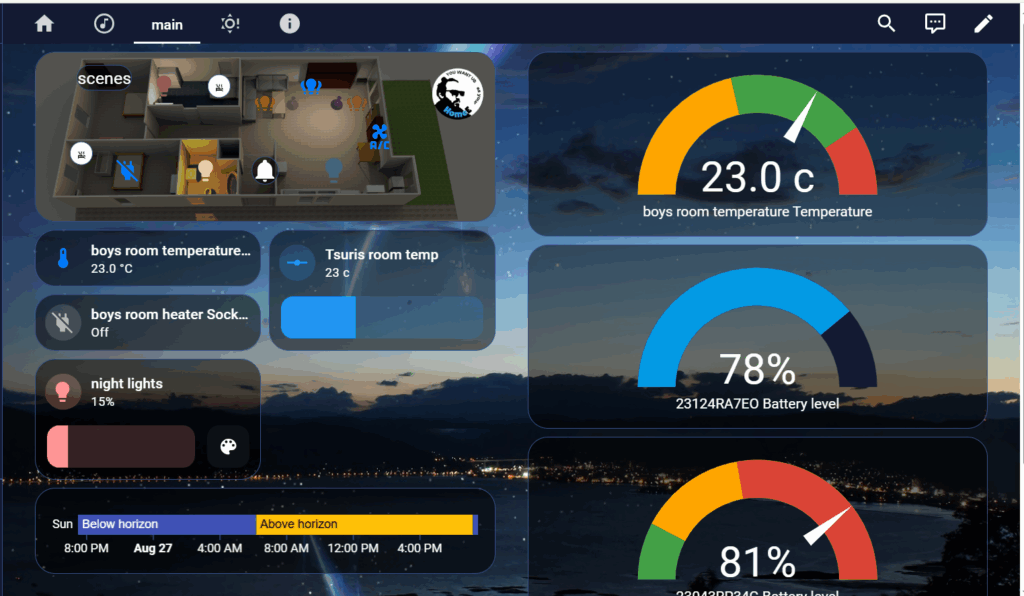
mushroom buttons for lights, calendar, weather
temperatures, battery levels, shortcuts
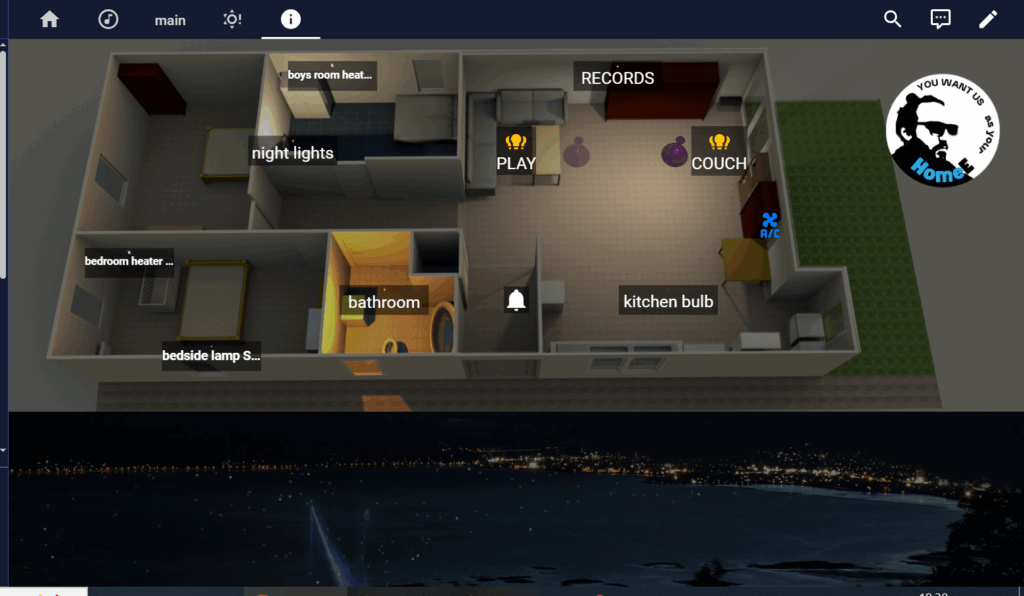
floor plan with names and responding lights
The floor plan is the main element of the dashboard. It is a sketch of the house with all the different elements of the smart house. It has quick buttons to control lights, heaters, ac and water boiler.
Some rooms you can long press the button to open a wider menu of elements in the room, like dimmers, heat automations etc.
The names displayed are the same names I would use in Alexa.
I feel like it has quite an intuitive feel esspecially if you know the layout of the house and quite simple to use.
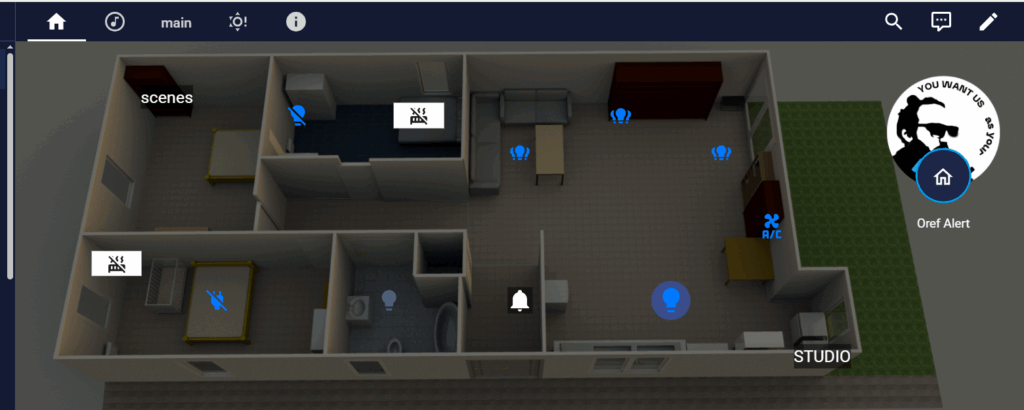
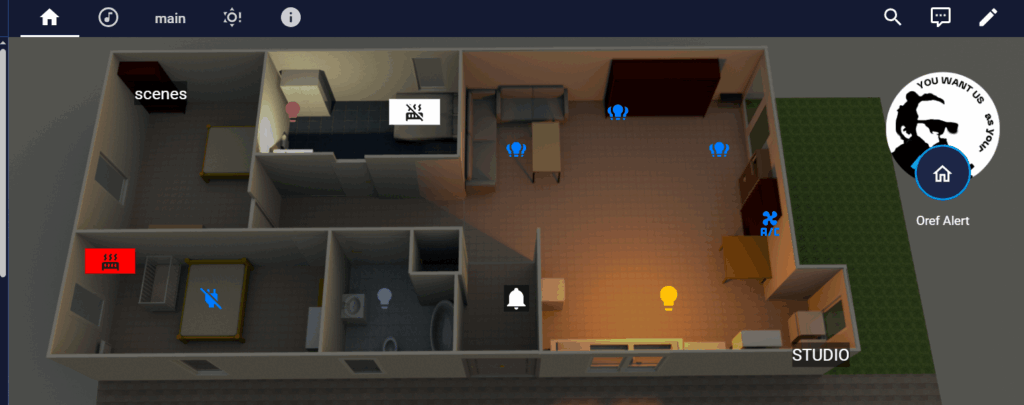
What I like best about it though is you can know the state of the house at a glance as the rooms light up according to the lights and heaters are displayed as well
All lights off,
heaters off
Kitchen light on,
Bedroom heater on
CONS
Complecated to set up
requires a wide understanding of yaml and home assistant
PROS
easy to use
intuitive feel
sleek design
AI's Dashboards
Mushroom dashboard
Mushroom cards are a simple way to add well designed and easy to use buttons for lighting, switches scenes and other smart home elements.
In my dashboards I always use mushroom cards.
But they also provide an AI auto generated dashboards created with all mushroom cards
Prerequisites
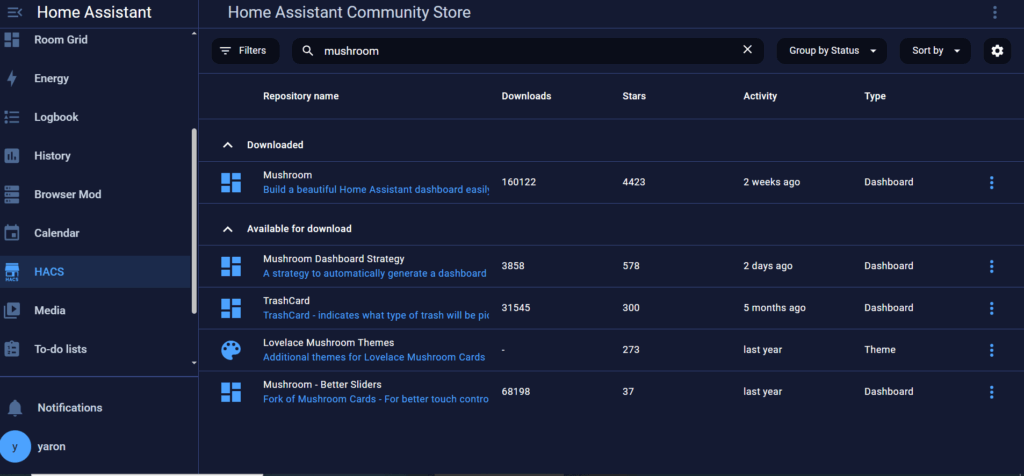
have HACS installed
have mushroom cards installed
Then search HACs for "mushroom dashboard strategy"
Click done and let the AI generate a custom dashboard with mushroom cards for you
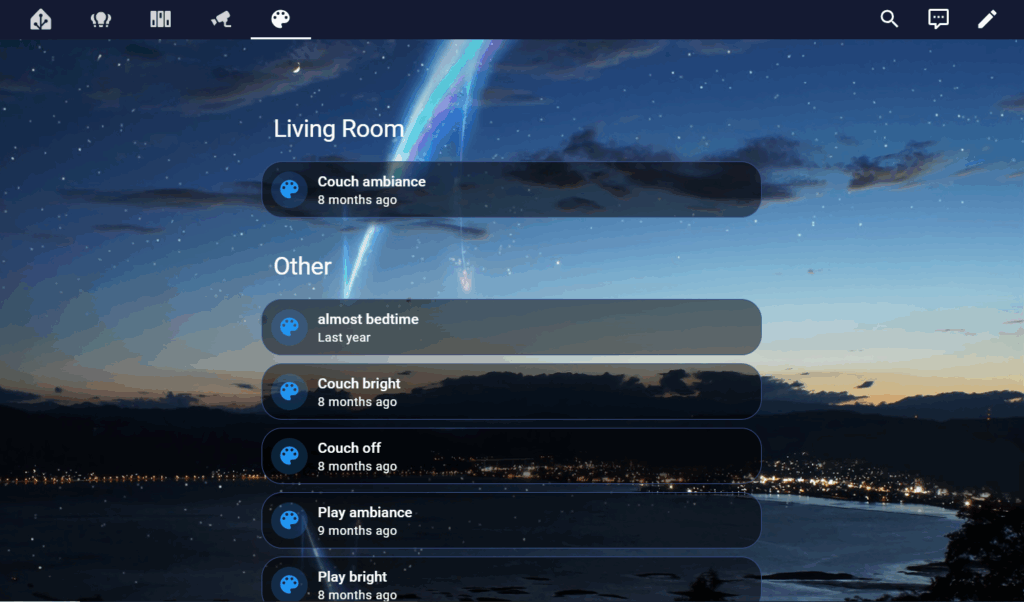
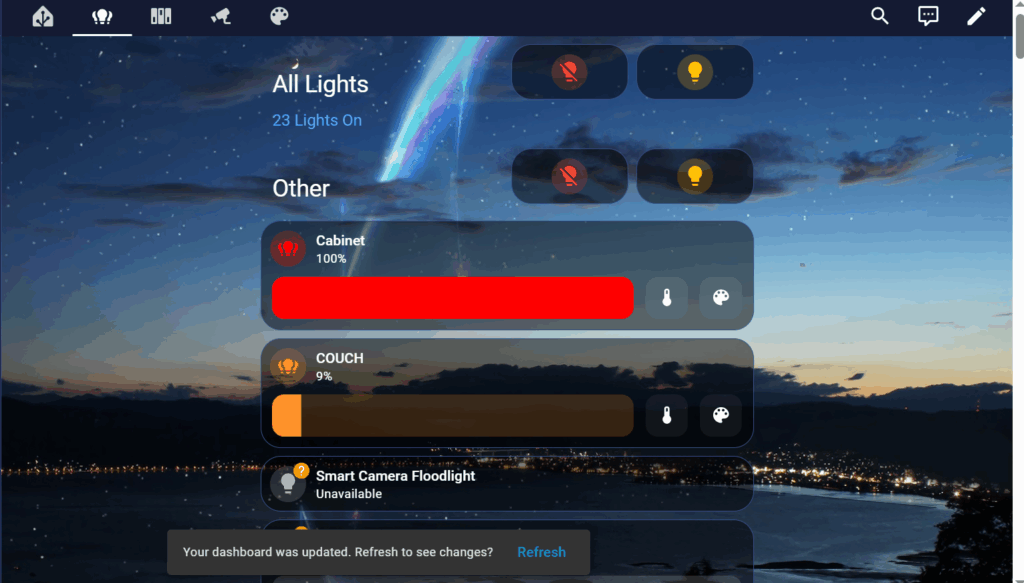
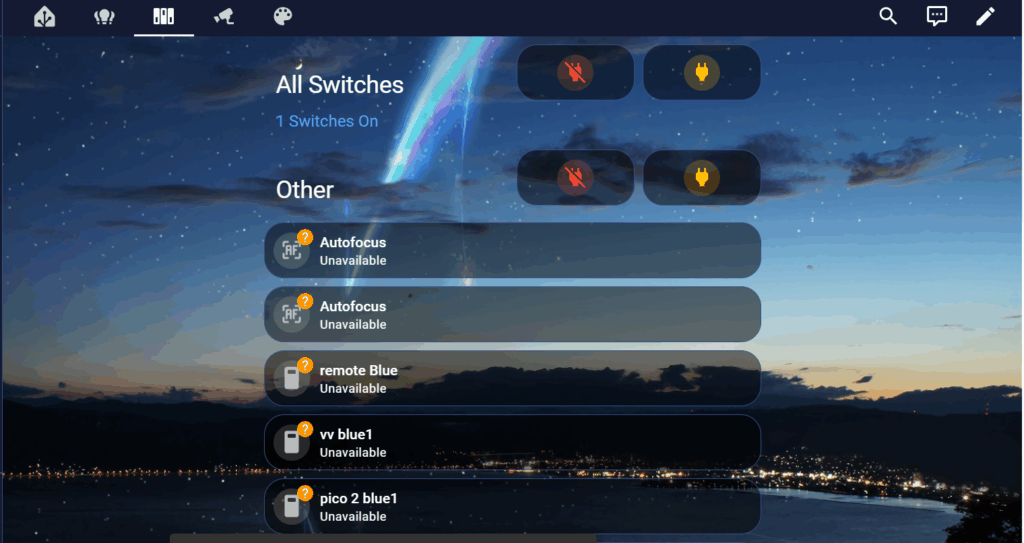
The strategy automatically created mushroom cards for each of my elements and sorted them into their various categories – Lights, switches, cameras and scenes.
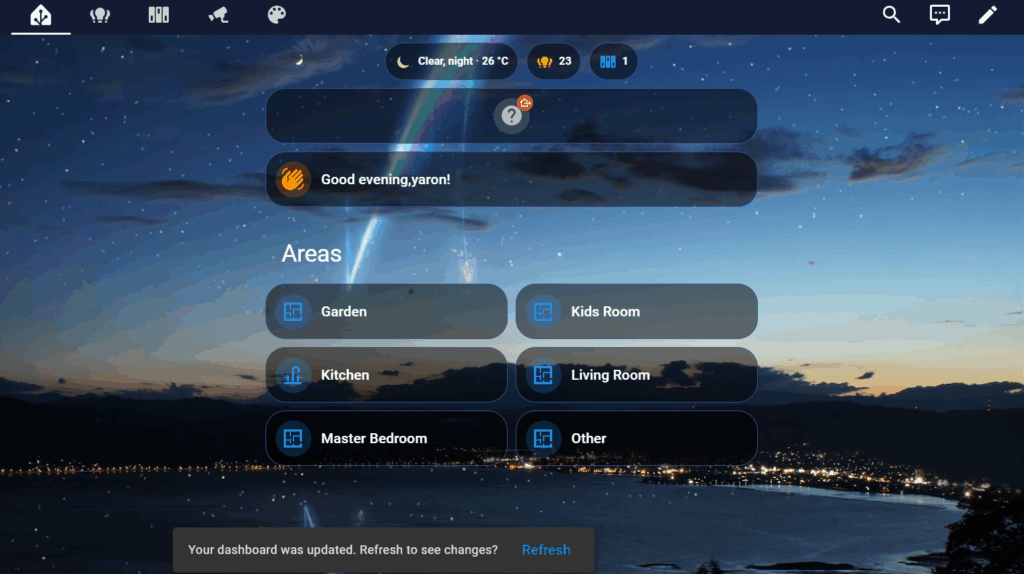
It provided a nice welcome page with different areas, some greetings and basic info.
Which was just excellent, gives you the basic things you need with minimal effort.
It also provided nice shortcuts like turn all lights and all switches off
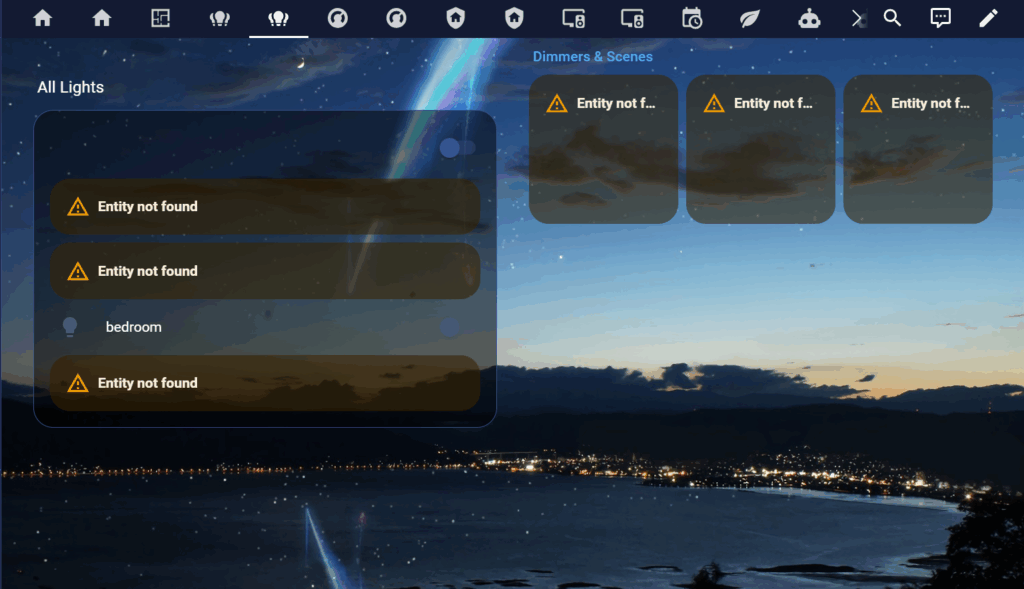
The startegy did, however create mushroom cards for the offline elements as well, ones that I never use or would never need.
And also seemed to sort them alphabetically instead of by importance or rooms.
So you are left with the effort of sorting and removing unwanted ellements
the background image is the "your name" image i use throughout home assistant and was NOT generated
Conclusion – with just a few simple steps you get a pretty amazing starting point for a dashboard. Neatly sorted with everything that you need.
However you still need to to delete and reorganise what it provided.
And the design itself was very simple with no thought into UI/UX, simplicity or intuitive use
ChatGPT
Next I tried using the generative AI chatgpt. This AI is way more flexible and robust but is not specifically designed to create dashboards so the results should be intresting.
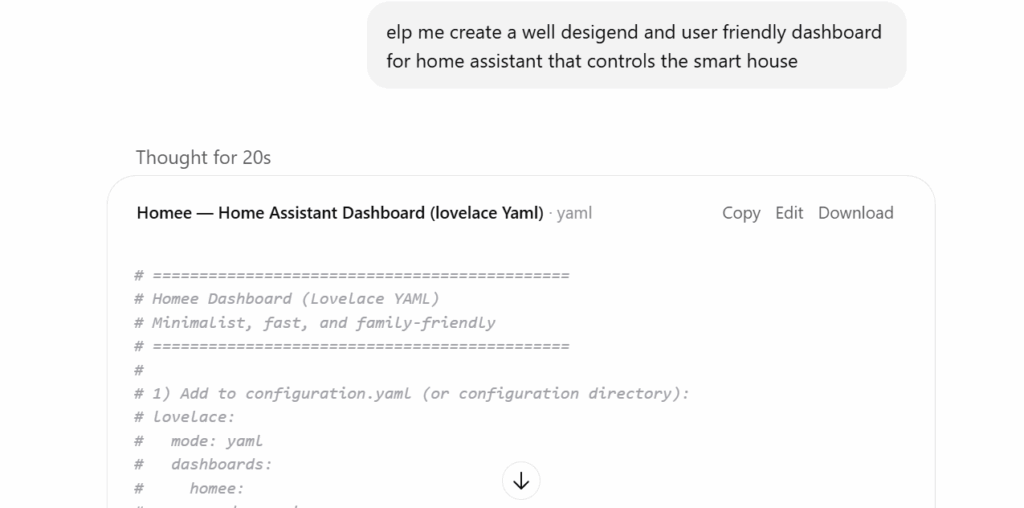
I started by writing th following prompt
Quite impressively it generated a complex yaml, (which c be found here) script including step by step direction on how to implement it.
I did encounter some errors along the way but I asked in the same chat about them and they were easily solved.
Since I already had home assistant installed I didn't delve into setting it up from scratch. But I do feel that I could have gotten simple instructions to set it up
After the code was generated I copied my entities list and asked to tweak the code so that the names of my entities would be there and I wouldn't have to update it one by one manually.
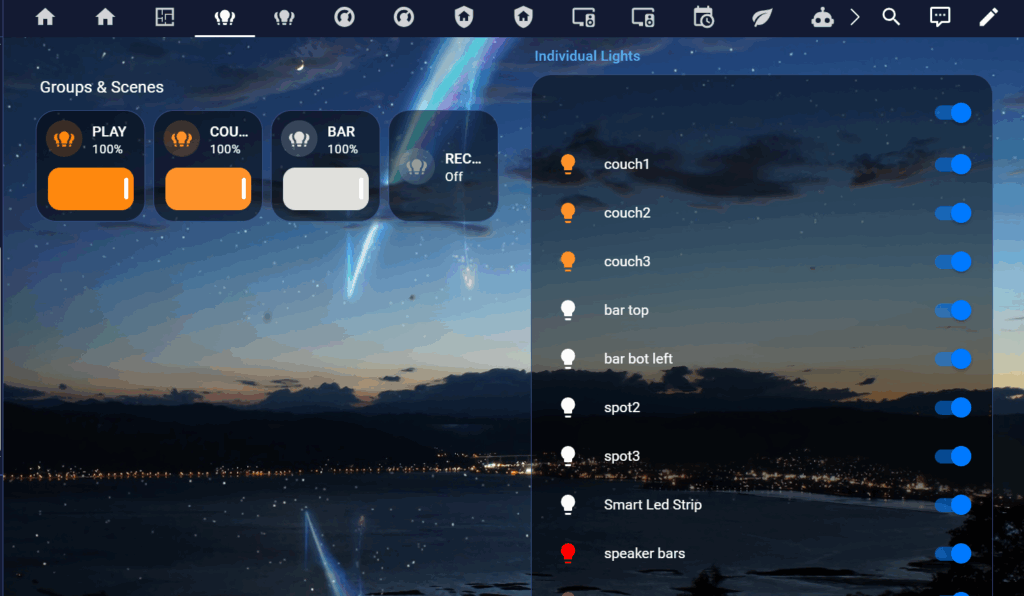
LIGHTs
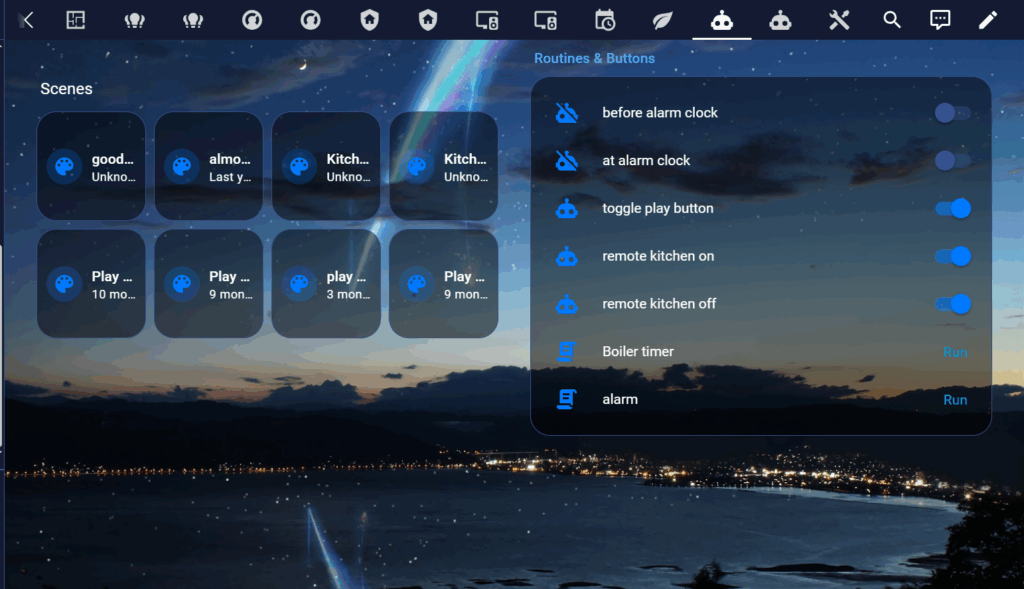
Scenes
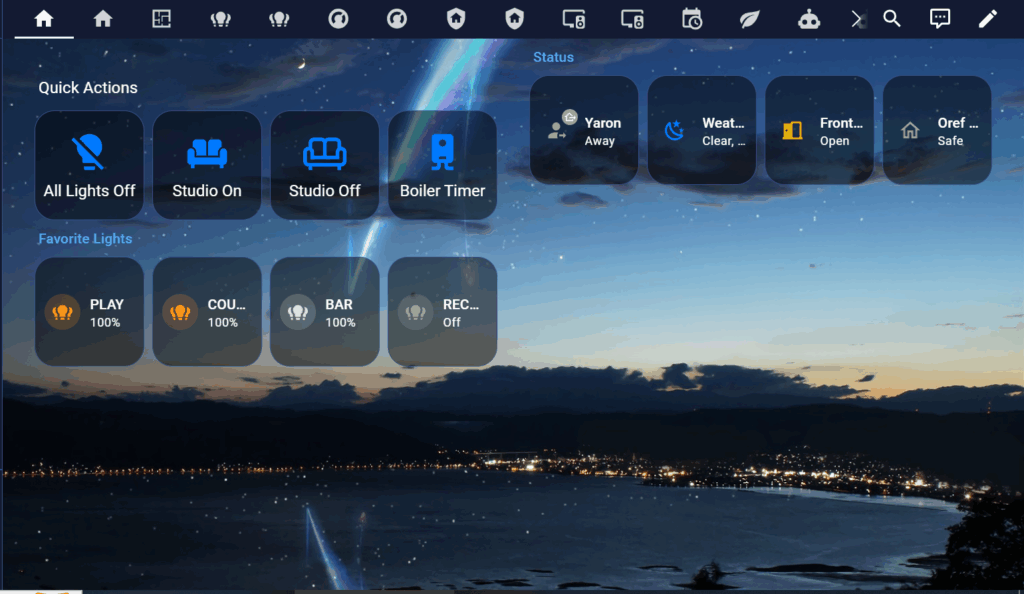
welcome screen
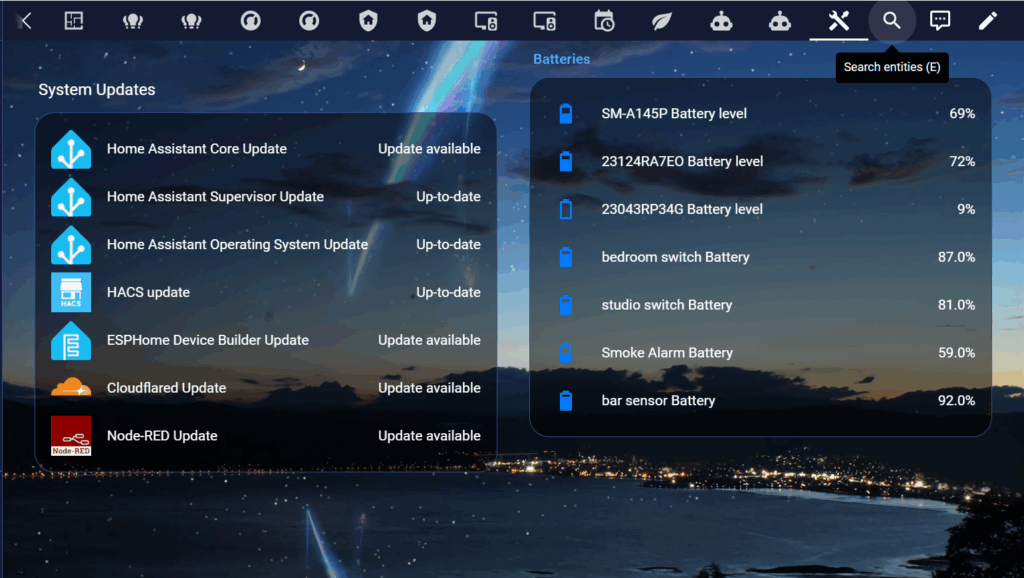
Updates and batteries
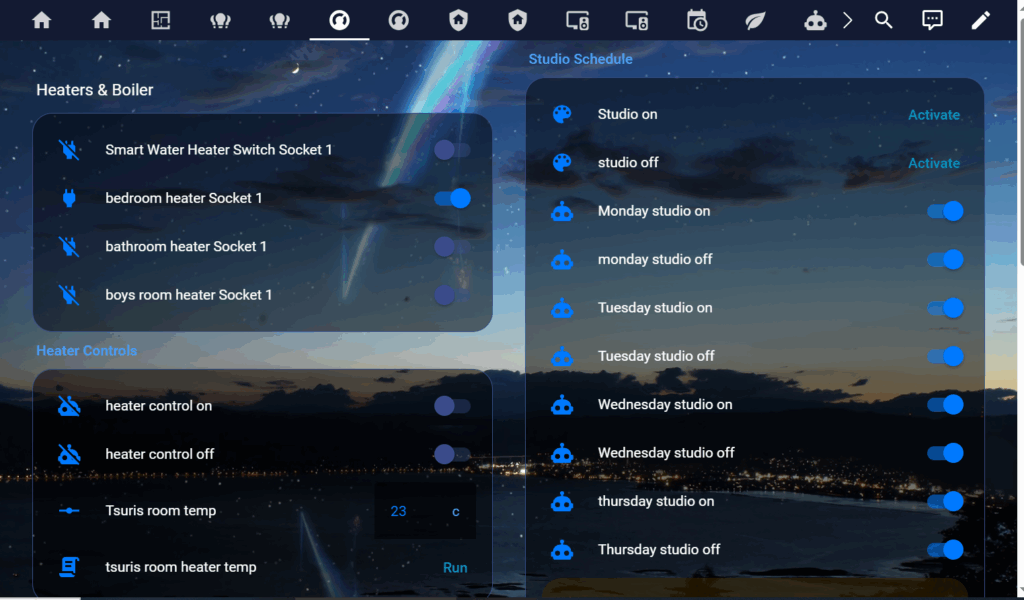
A very impressive dashboard. Robust containing all elements of my smart house. it provided me with about 10 tabs for the dashboard – welcome screen, lights, switches, media, security, scenes, weather and even updates.
However I was quite disapointed that it barely provided me with any shorcuts and quick buttons like turn off all lights. also the some of the tabs were pilled up in a way that made no sense like button automations that were put with media files.
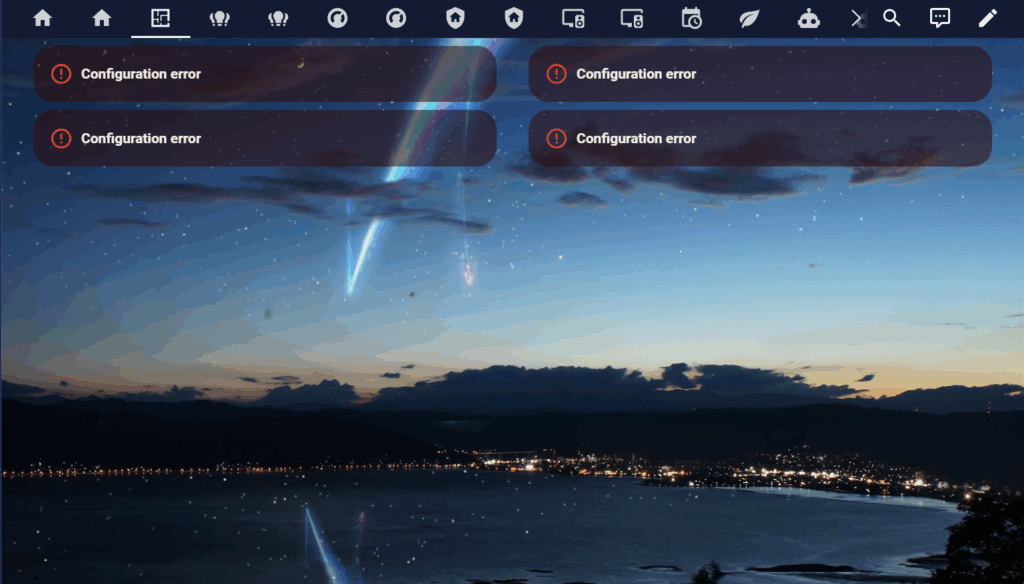
Unfortunately I still got some configuration errors and unknown entities but the dashboard was good enough I juts deleted those pages
Conclusion – A really robust and elaborate dashboard. which took into consideration everything I had on home assistant. However a lot of the tabs didnt make sense in the way they were designed and too much information was being put into one place
Conclusion
While the AI provided us with great dashboards with everything you need and even went the extra step with functions like turn off all lights etc. I felt like they were still missing those extra steps to make the dashboard user friendly and intuitive to use. We needed to remove and reorganise the buttons and tweak it in a way that made it simpler for day to day.
I think the AI was a great starting point but in the end we needed that "human touch" to make it amazing.
I wonder if this is a good way of thinking about AI moving into the future (where AI is taking over everything)
"It might be a great starting point but we need that human touch to make it amazing"