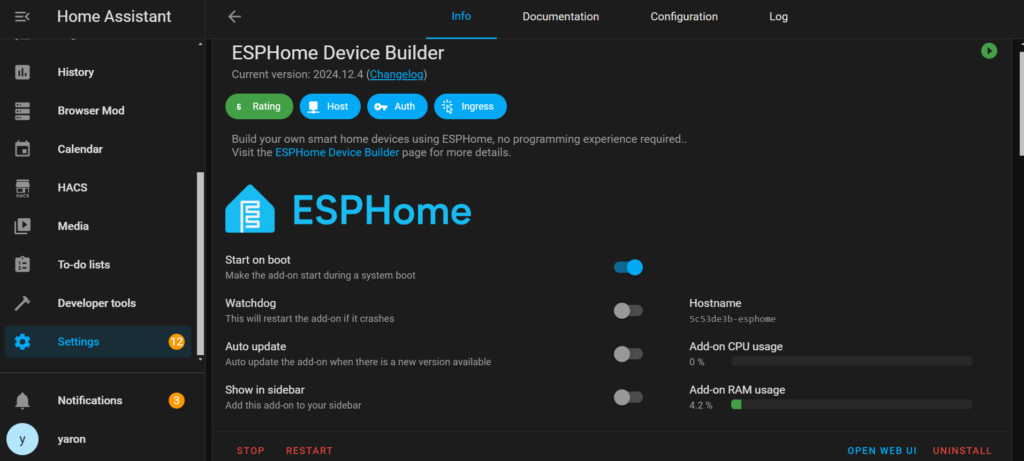
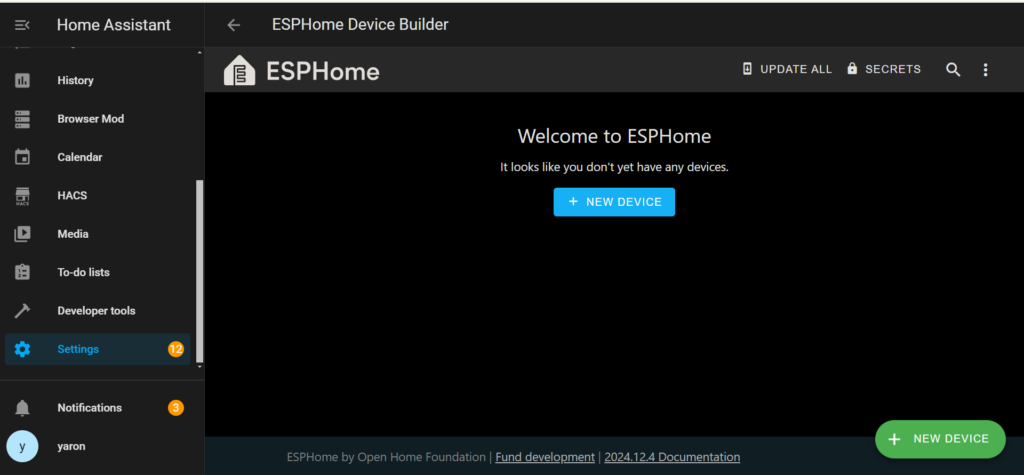
Please note: some installations of home assistant such as dockers do not allow addons. the most reccomended way to install home assistant is twith hasos where you can use the addons
Add new device
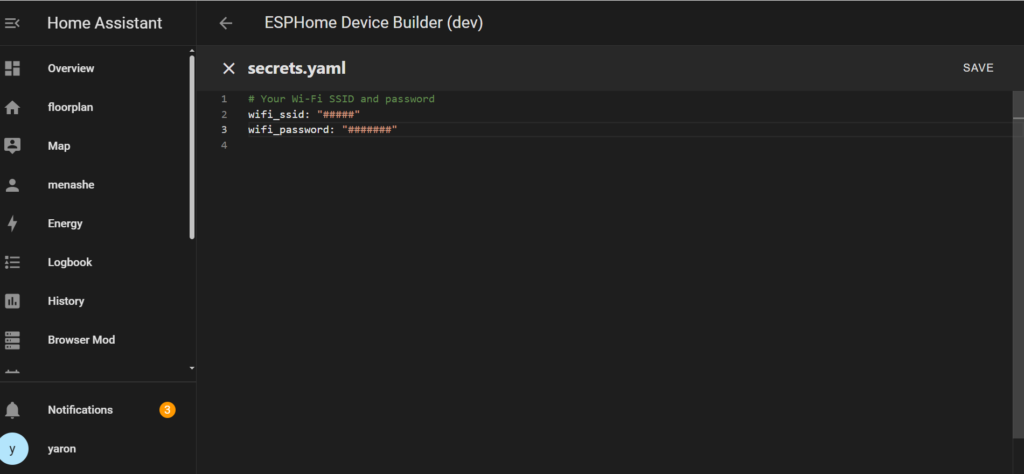
The first thing we will do is add our wifi settings to the integration so our boards can properly connect to the wifi
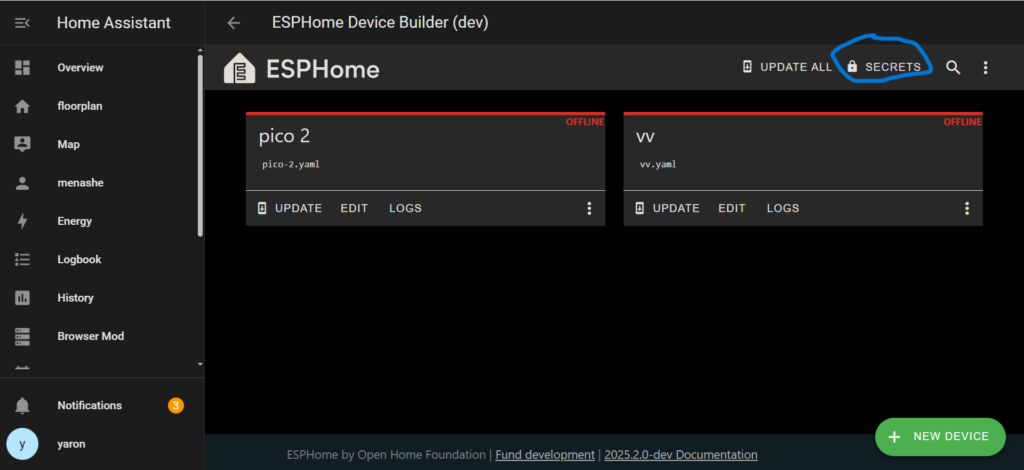
Select the secrets tab
Then type in your ssid and password
Next lets add our first device
open web ui -> add new device
name your device
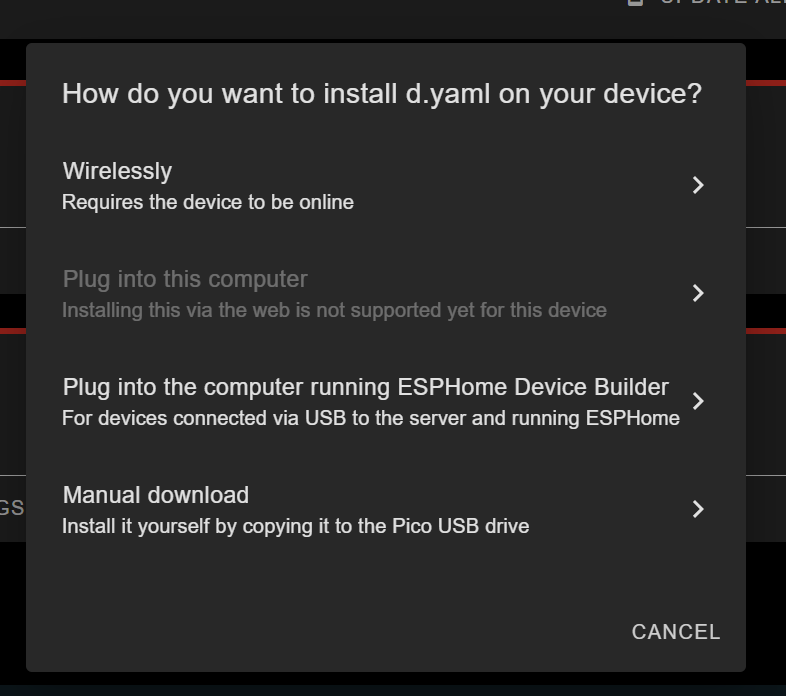
You can attempt to install the files directly from the computer running the home assistant server.
However I have had the best luck with downloading the files and copying them to the board.
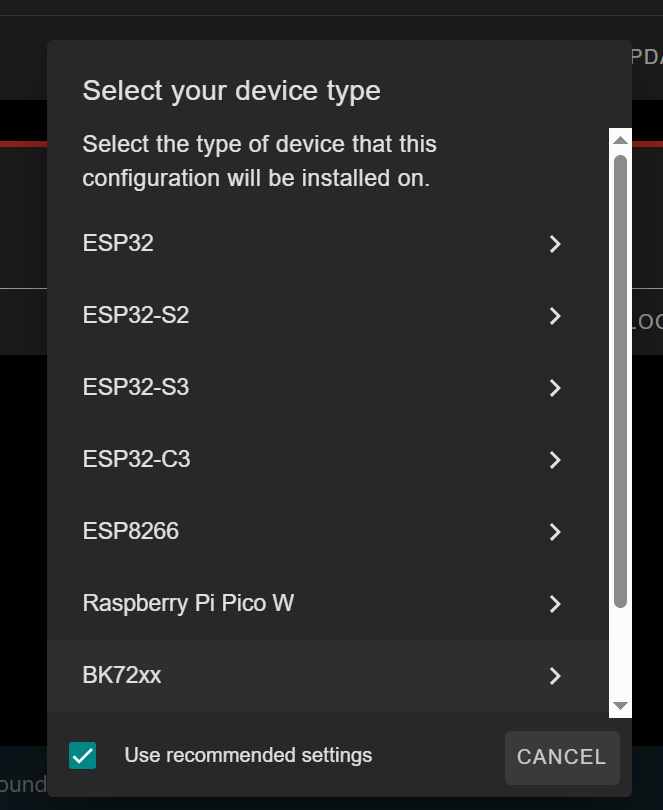
So choose your board
Then select manual download
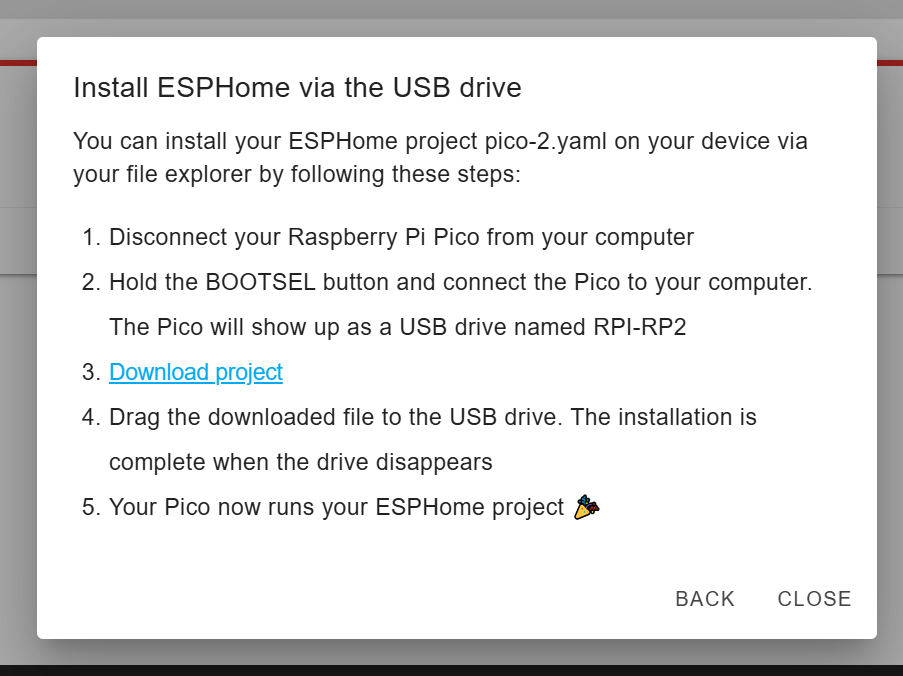
Click "download project" once its read.
Connect the board to the computer where you downloaded the project, hold donw the bootsel button when connecting and make sure you are using a data cable
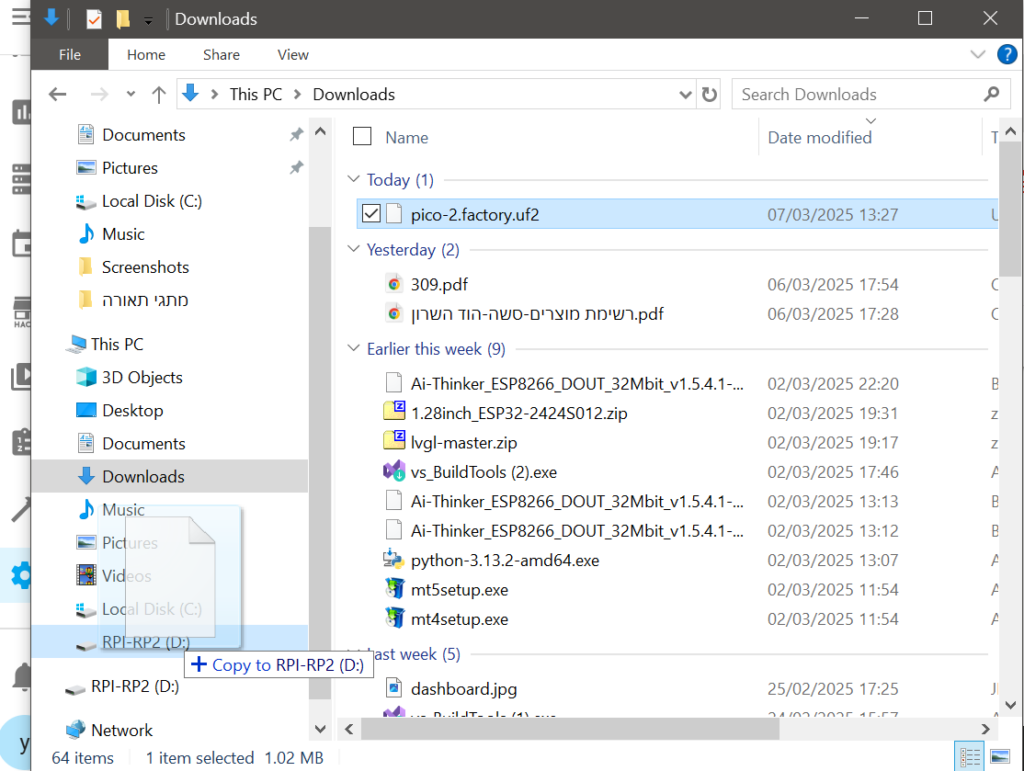
Then simply drag and drop the downloaded file to the board
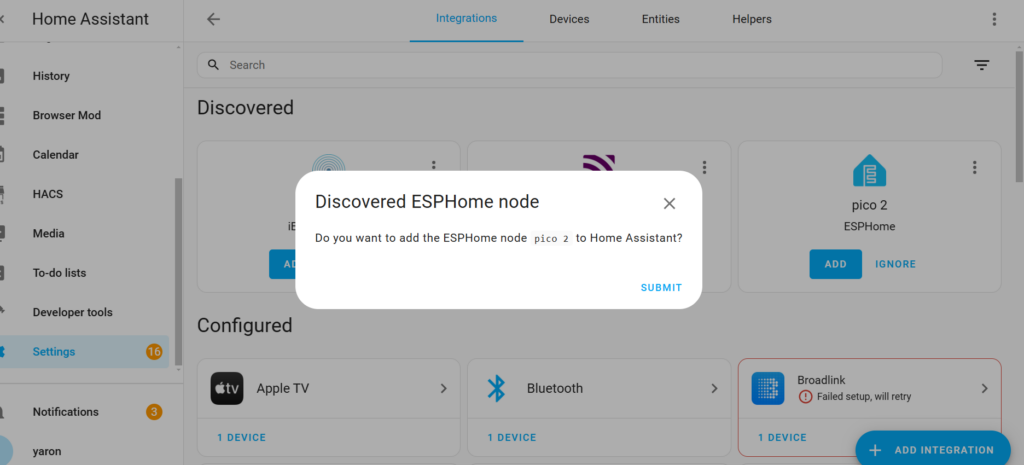
Your board now has the necessary files to connect to home assistant and should appear in the integrations screen ready to be added